Restore
When you re-install Session Buddy, you can transfer your collections and history from a backup file created with a previous install by using the Restore feature. You can find “Restore” in the Session Buddy gear menu.
Restore provides a dialog you can drag and drop a backup file into.
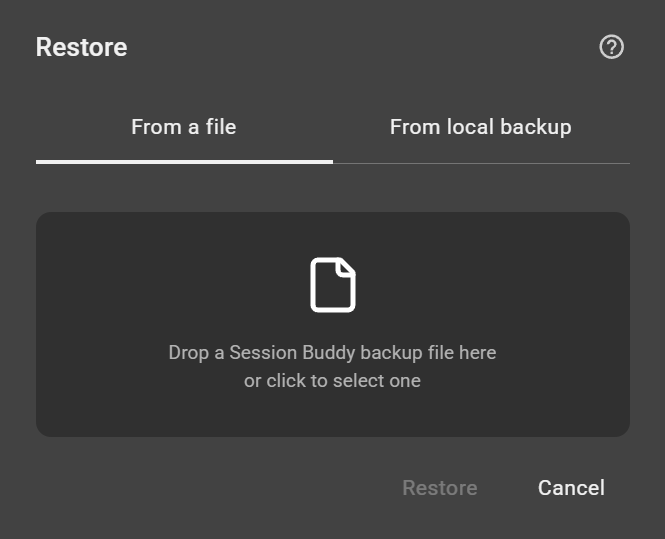
After dropping the file, Session Buddy checks it and displays the number of collections and history items found. Click the “Restore” button and wait for restore to finish.
Once the restore completes, close the dialog. Your restored collections and history will appear in Session Buddy.
Why not use Import?
Import and Export are intended for sharing collections. They ignore history.
Backup and Restore, on the other hand, include history as well as other data needed to initialize new installs of Session Buddy.
Key differences
- Backup and Restore include both collections and history. Import and Export only include collections.
- Restore only creates collections that have not already been restored. Import, on the other hand, always creates new collections. This can result in duplication when the same file is imported multiple times.
- Restore preserves pinned collections and collection dates, whereas Import removes pins and sets collection dates to the date of import.